“Design is not just what it looks like and feels like. Design is how it works.” — Steve Jobs.
Having a design process gives me the framework to best approach a problem by breaking it down into a series of relevant systems. A single screen can consist of many components, states, hidden elements, scenarios, transitions and visual cues that are difficult to understand in a single mockup. A design process provides me with a broad overview. My process can be broken down into 6 stages. There are many factors that can affect the outcome of each stage, therefore each of these stages require feedback and approval from the client before moving on to the next one. Below is an overview of how I typically approach a design project.

USER NEEDS: Be the user
- "Interview" the client to discover the business goals and learn the history of the brand
- Communicate with the client about the needs of the user
- Collaborate with the engineers to understand the technical resources available
- Determine milestones that align with the goals and fit within the budget, deadline and technical resources
- Communicate with the client about the needs of the user
- Collaborate with the engineers to understand the technical resources available
- Determine milestones that align with the goals and fit within the budget, deadline and technical resources

BRAINSTORMING
- Analyze the needs and wants of the user and define the problem
- Research competitors in the market
- Write down ALL ideas to solving the problem, from logical to far fetched.
"Anything goes" and build on each of these ideas.
- Create visuals for these ideas
- Research competitors in the market
- Write down ALL ideas to solving the problem, from logical to far fetched.
"Anything goes" and build on each of these ideas.
- Create visuals for these ideas
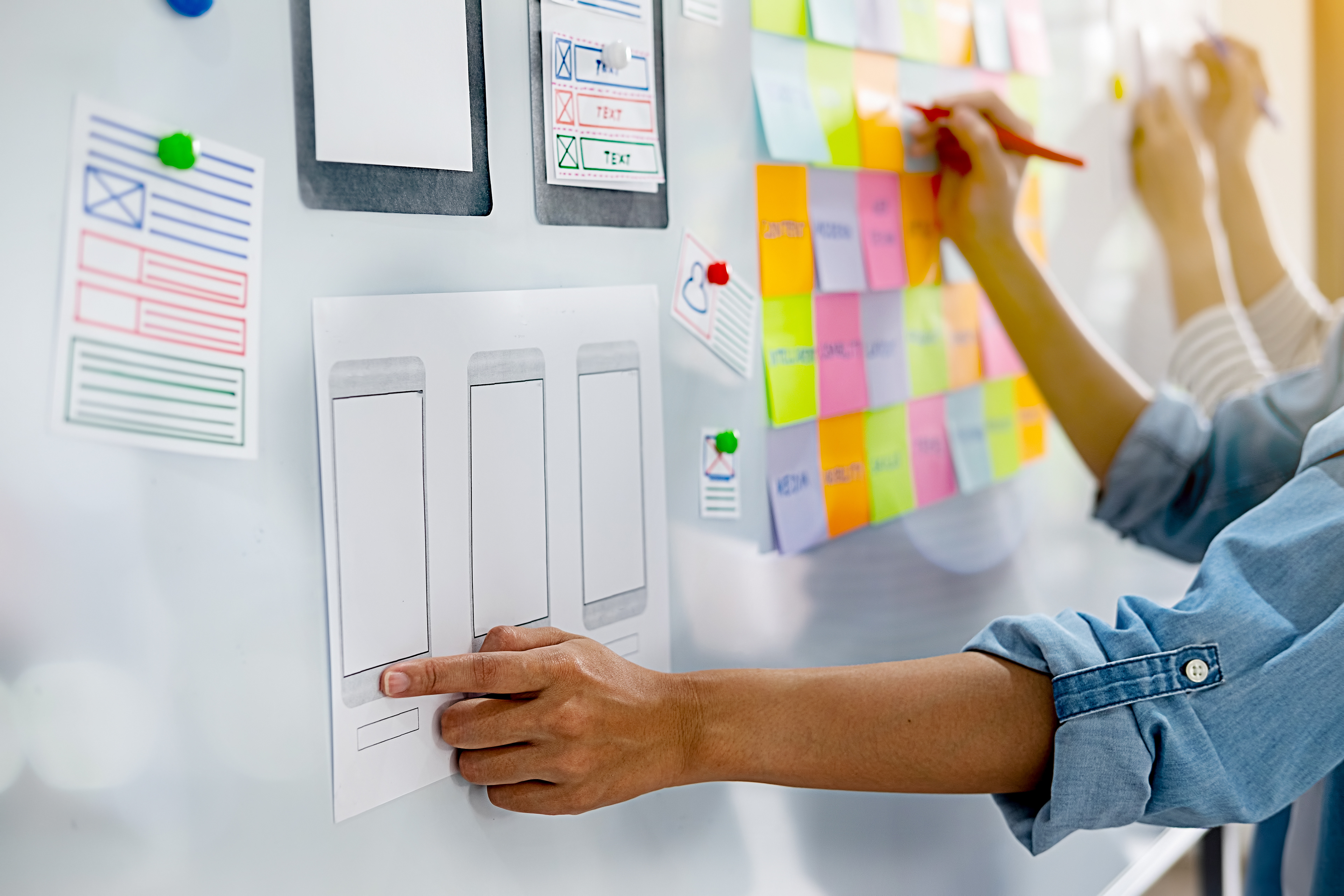
UX/UI DESIGN
- Create Personas
- Define the information architecture
- Create user flows to determine how to complete each goal in the least amount
of steps
- Develop wireframes
- Determine various states for each wireframe ie. entry of text, click of a button, error etc
- Obtain feedback from clients/stakeholders
- Define the information architecture
- Create user flows to determine how to complete each goal in the least amount
of steps
- Develop wireframes
- Determine various states for each wireframe ie. entry of text, click of a button, error etc
- Obtain feedback from clients/stakeholders

VISUAL DESIGN
- Explore visual design patterns
- Research framework and/or guidelines if necessary
- Experiment with different styles, colors and typography most suited to their needs
- Transform the wireframes into high fidelity mockups
- Generate a consistent UI kit for reusable components
- Generate guidelines to help engineers understand visual properties such as size,
style, positioning and motion
- Research framework and/or guidelines if necessary
- Experiment with different styles, colors and typography most suited to their needs
- Transform the wireframes into high fidelity mockups
- Generate a consistent UI kit for reusable components
- Generate guidelines to help engineers understand visual properties such as size,
style, positioning and motion
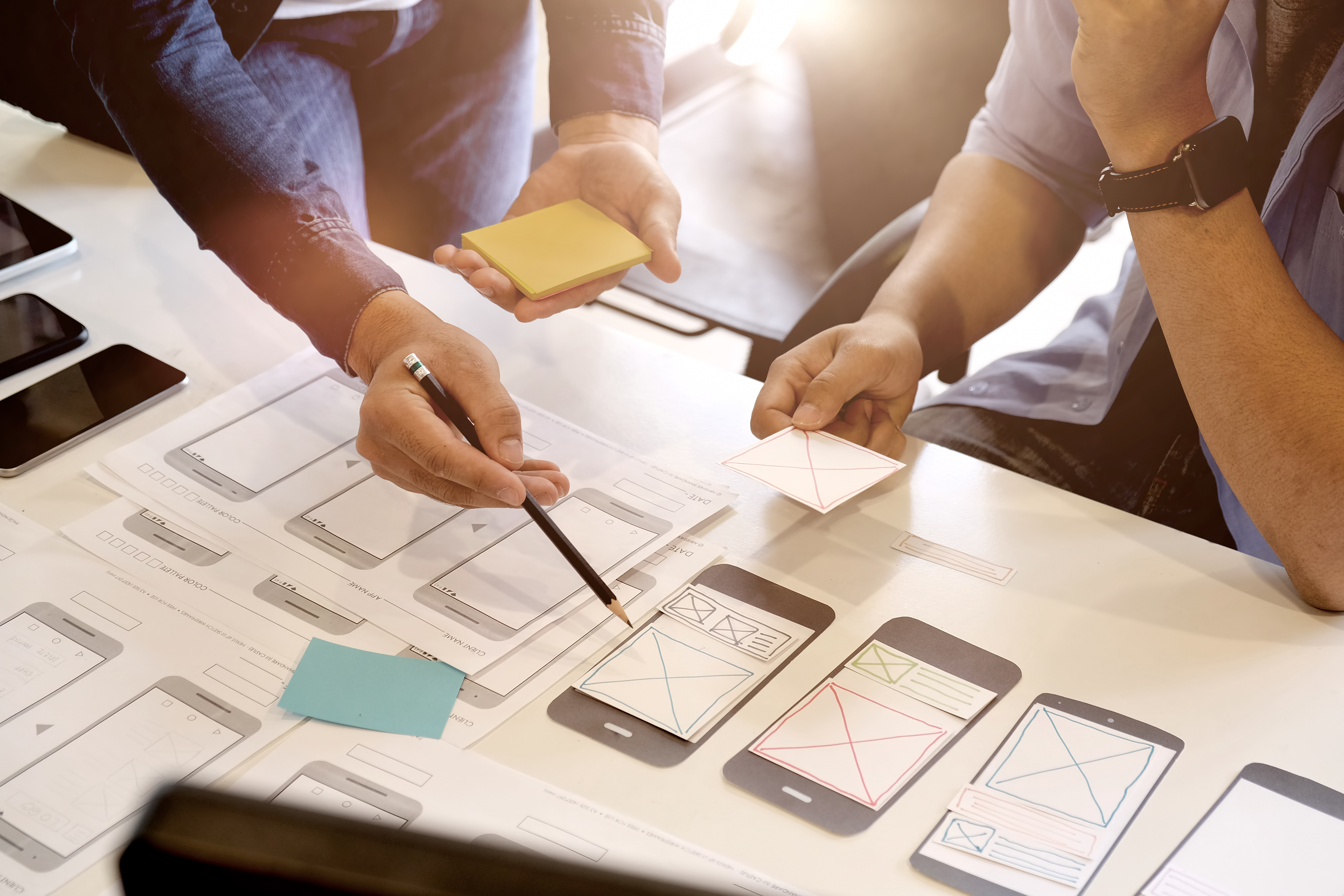
PROTOTYPE
- Determine the start, processing and end state for each action
- Build interactive prototypes for the client and engineers to demonstrate motion,
feedback, state and context
- Animate visual components such as logos for intro screens and pre-loaders
- Build interactive prototypes for the client and engineers to demonstrate motion,
feedback, state and context
- Animate visual components such as logos for intro screens and pre-loaders

TESTING
- Finalize assets for handover to engineers
- Ensure visuals are accessible and on-brand
- Determine whether the visuals are responsive
- Work with engineers to determine any technical constraints based on visuals
- Ensure visuals are accessible and on-brand
- Determine whether the visuals are responsive
- Work with engineers to determine any technical constraints based on visuals